 Owl Buddy Worlds
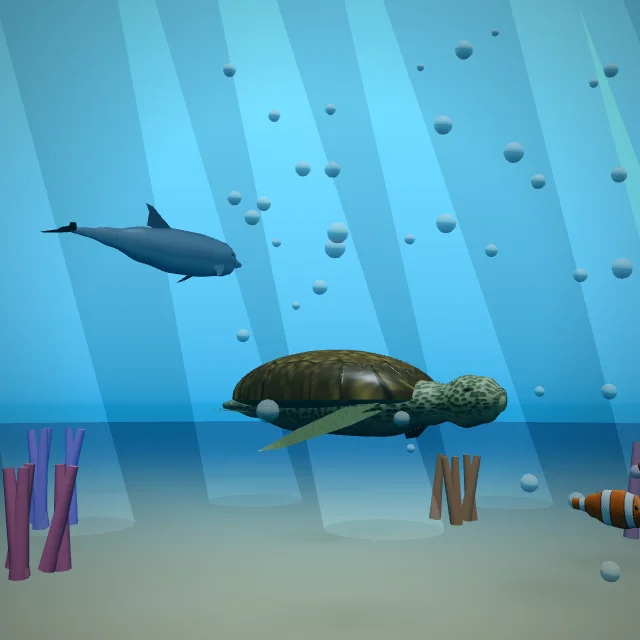
Ocean Explorer
Swim as a dolphin, a turtle or a whale through 11 real seas.
Swim with dolphins, raise a dragon, fly to faraway planets and walk inside the human body, with Buddy the owl. Plus school lessons, worksheets and coloring for ages 4 to 10.
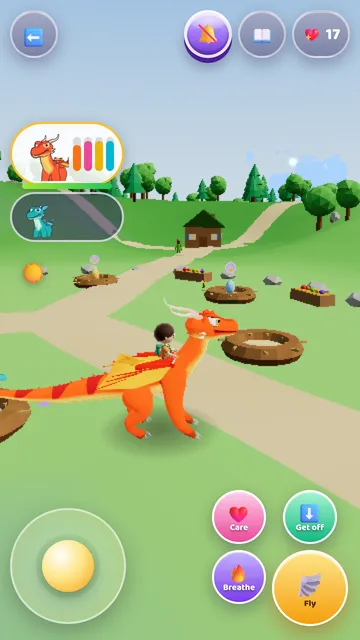
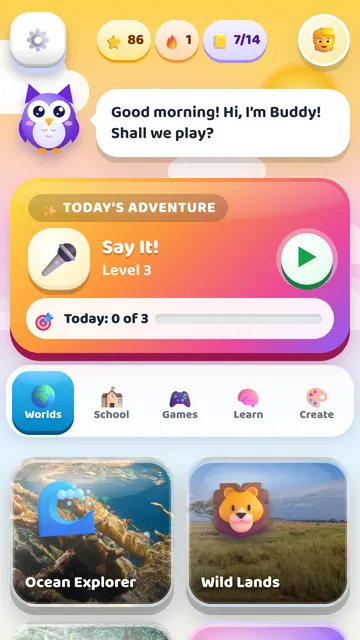
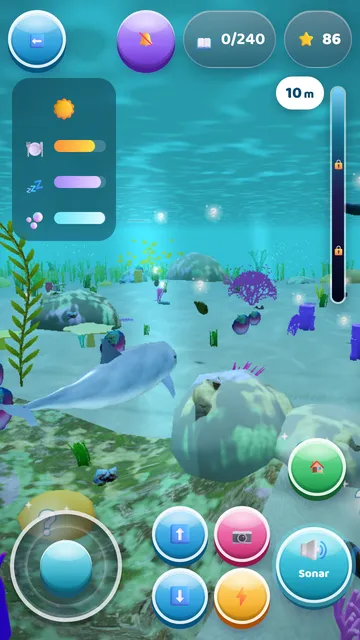
Every world is a 3D adventure where children learn real facts about nature, science and the world.
Swim as a dolphin, a turtle or a whale through 11 real seas.
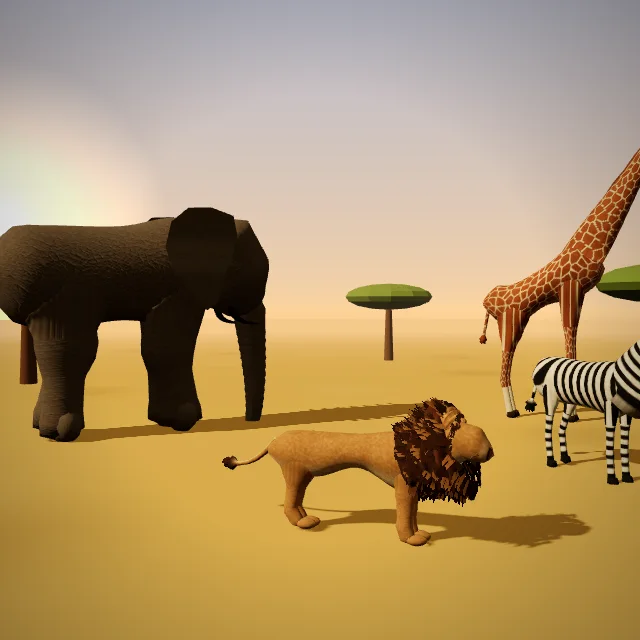
Meet hundreds of real animals in their habitats and photograph them.
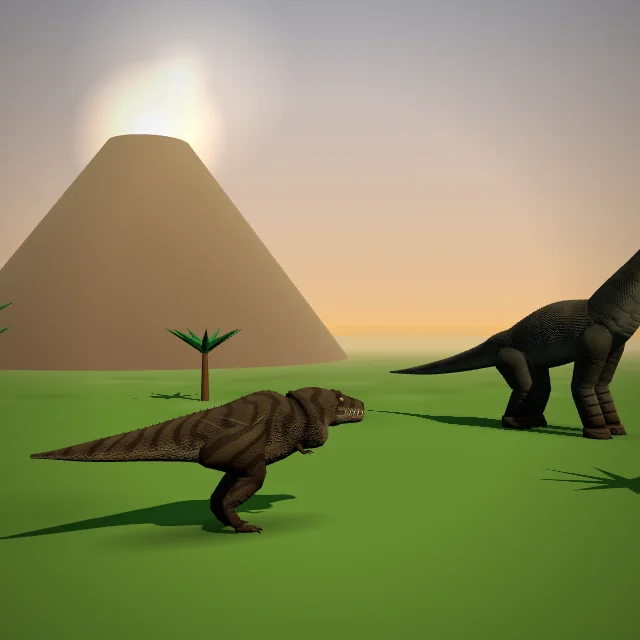
Walk among dinosaurs and learn how they lived.
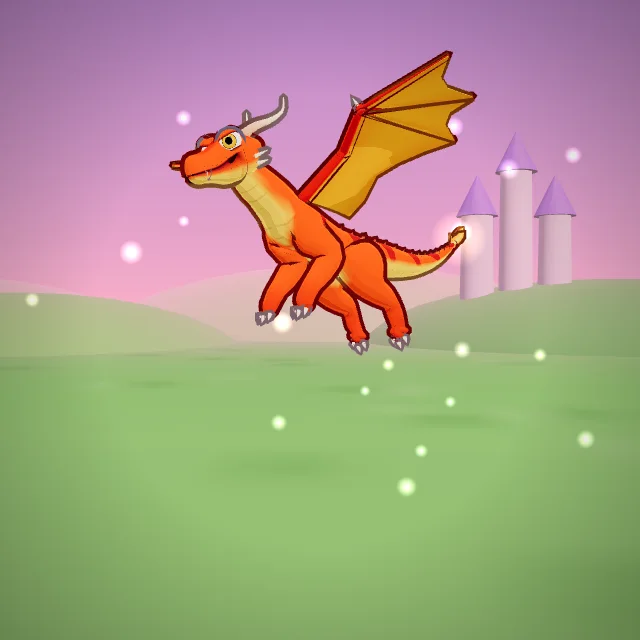
Hatch and ride a dragon, then fly over a 3D globe to visit every country.
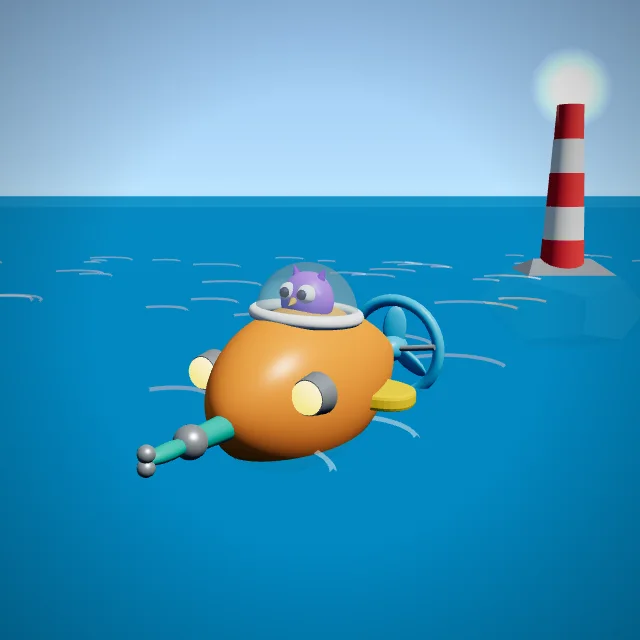
Build a submarine and rescue sea animals with a friendly crew.
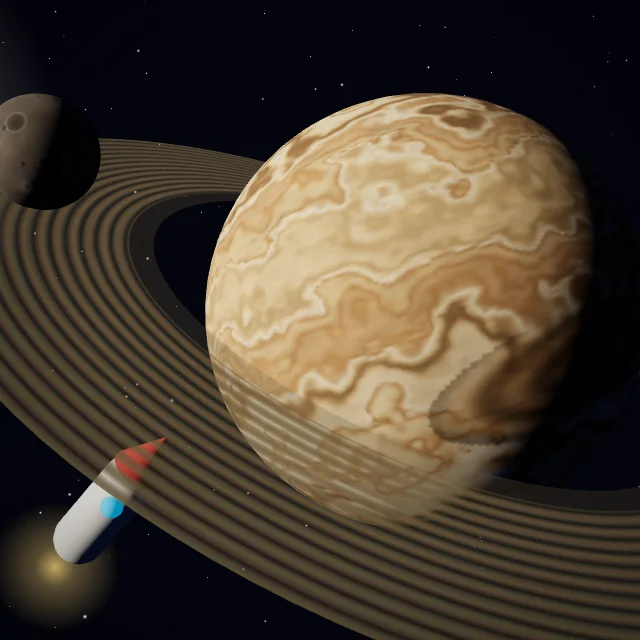
Visit the planets, real exoplanets and faraway galaxies.
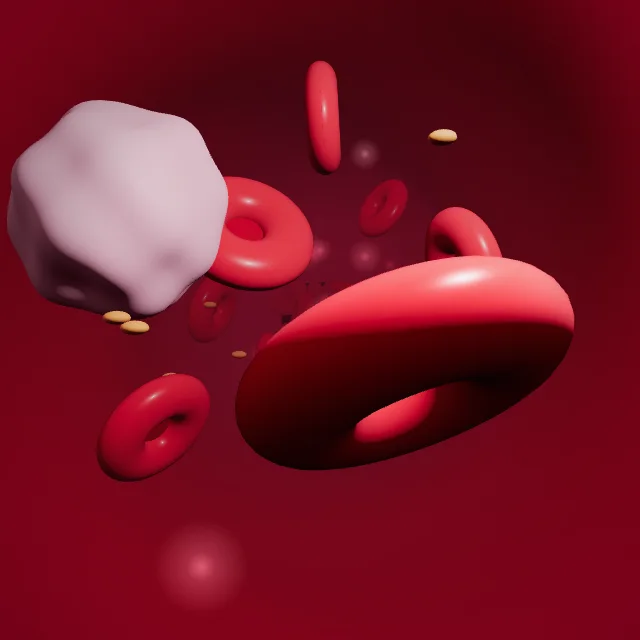
Run the brain’s command center for a whole day and learn how the body works.
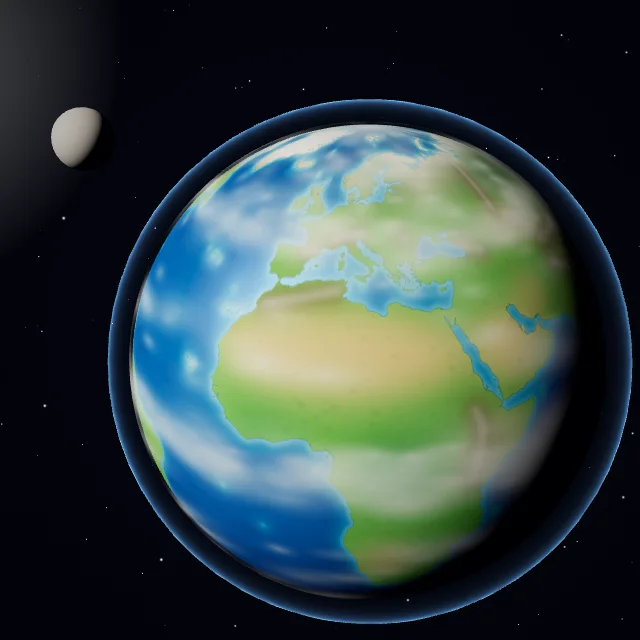
Play with the weather, volcanoes and seasons on a 3D island.
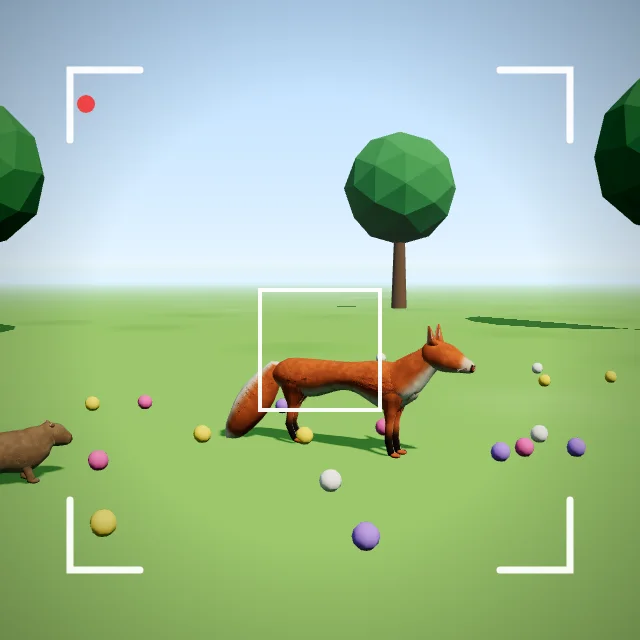
Collect photos of every animal you meet and learn about them.
Kindergarten to Grade 6: math, reading, science and more, step by step.
More than 150 subjects, new exercises every time, printable with an answer key.
Trace letters and numbers, and learn words in a new language with real voices.
Hundreds of coloring pages, a color lab and printable pages.
Experiments, crafts, games, outdoor fun, cooking and talks, with things you already have at home. Screen off, fun on.
🧪 Family activitiesWorksheets with answer keys, coloring pages and family activity ideas, made by the app’s own engine. Free for home and classroom use.
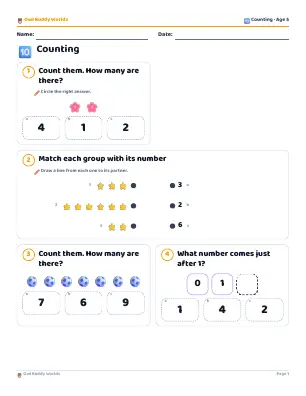 🔟CountingAges 4–5 · 3 pages · PDF⬇️ Download
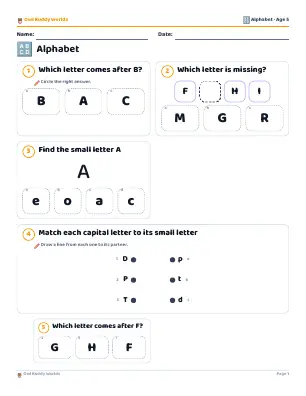 🔠AlphabetAges 4–5 · 3 pages · PDF⬇️ Download
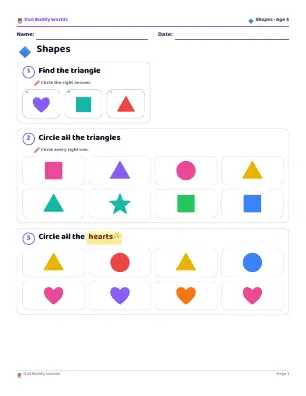 🔷ShapesAges 4–5 · 3 pages · PDF⬇️ Download
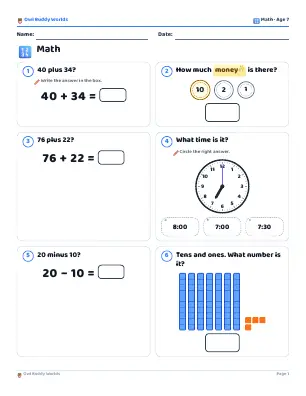 🔢MathAges 6–7 · 3 pages · PDF⬇️ Download
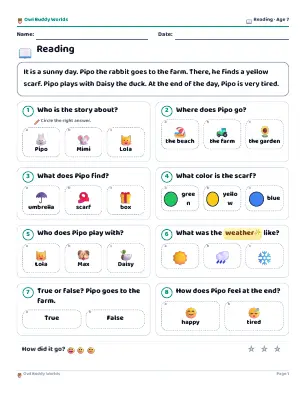 📖ReadingAges 6–7 · 2 pages · PDF⬇️ Download
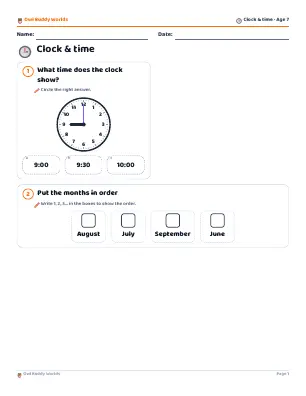 🕒Clock & timeAges 6–7 · 4 pages · PDF⬇️ Download
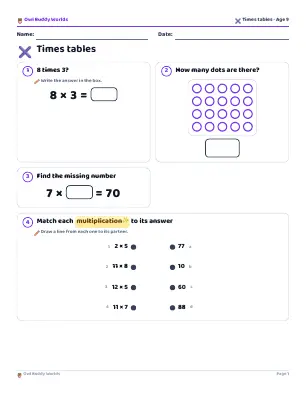 ✖️Times tablesAges 8–10 · 3 pages · PDF⬇️ Download
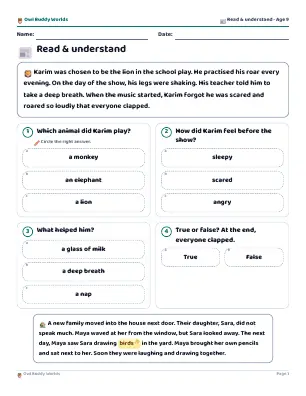 📰Read & understandAges 8–10 · 3 pages · PDF⬇️ Download
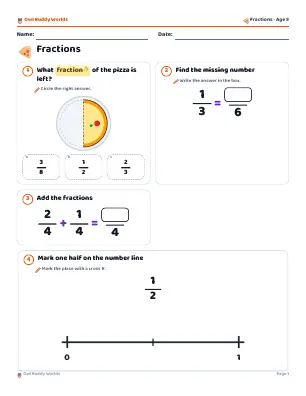 🍕FractionsAges 8–10 · 4 pages · PDF⬇️ Download
 Cow
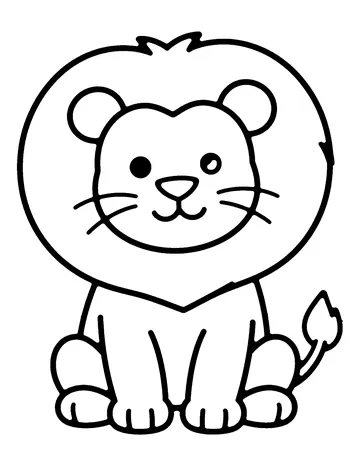 Lion
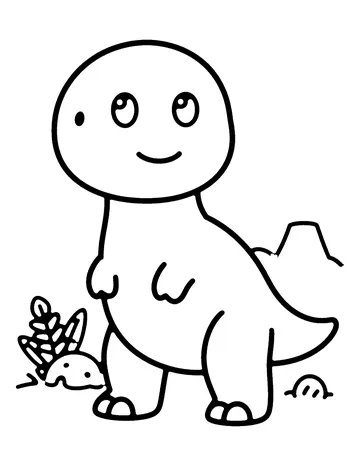 T. rex
 Rocket
 Unicorn
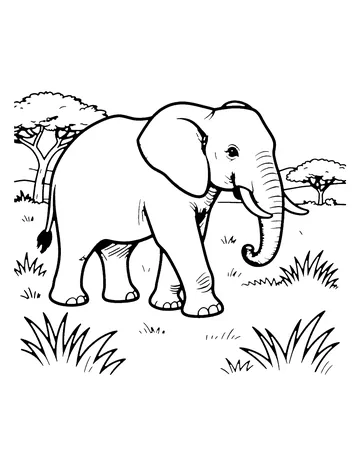 African elephant
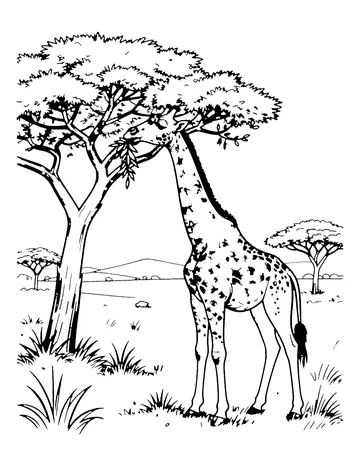 Giraffe
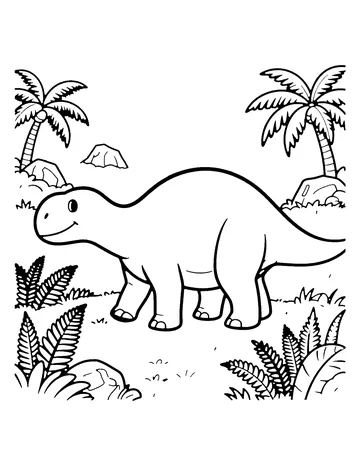 Stegosaurus